A build can be ready and still sit unpublished because the listing was treated as paperwork. Store review looks at what you claim, what the binary does, and whether a stranger can understand the app. Those three have to match.
This is the baseline we use for a studio release. It will not replace Apple’s or Google’s current guidelines — read those for the version you are submitting — but it will catch the misses that usually cost a week.
Say what the app does, in the customer’s words
The name, subtitle, and short description should describe the job, not the company slogan. The first lines of the long description matter most. Lead with the outcome. Mention the platform features you actually implemented. Do not promise platforms, languages, or subscriptions the binary does not contain.
Name and subtitle fit the store limits and are still readable.
Keywords reflect real searches, without repeating the app name endlessly.
Screenshots show the current build, in order of the main job.
The support URL and privacy policy load, and they describe this app.
Privacy labels are a product document
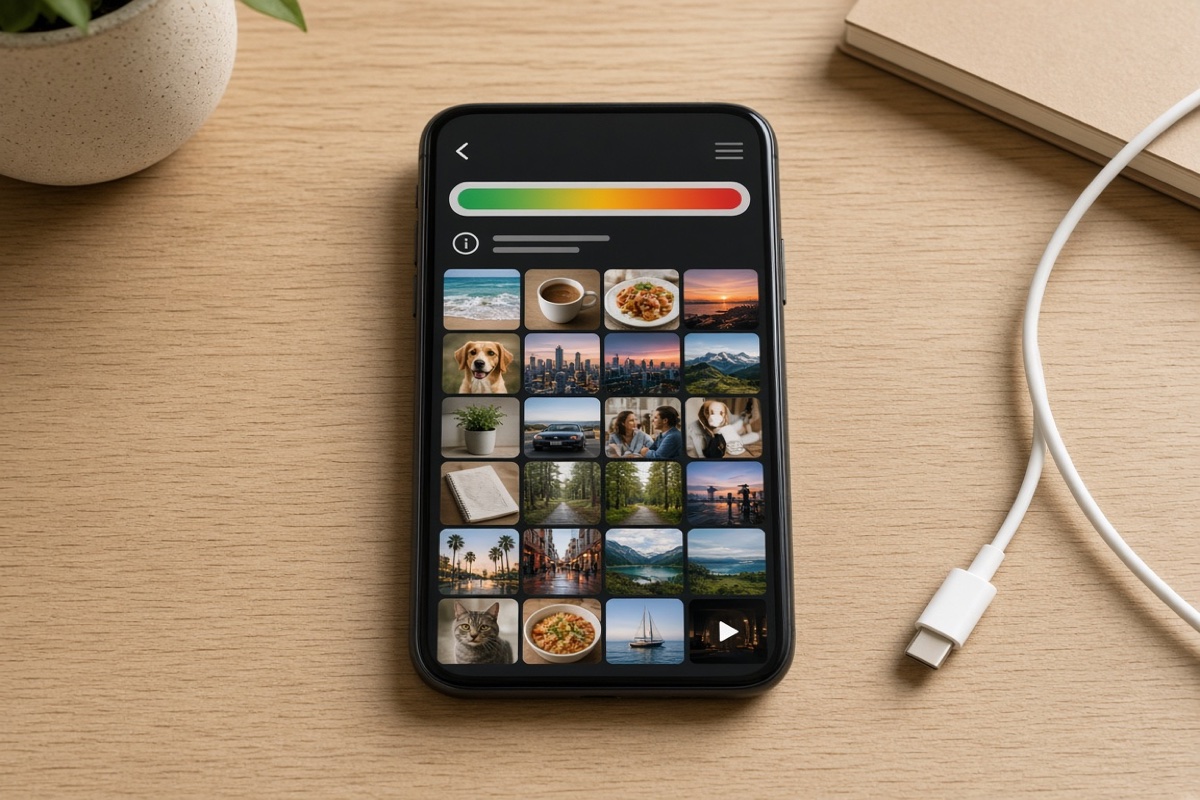
Nutrition-style privacy labels and the Play Data safety form are easy to get wrong because they follow the SDKs you ship, not your intentions. Analytics, crash reporting, and login providers often collect data even when you do not think of them as “tracking.” Inventory every SDK, then fill the forms from that list. If you are not sure, find out before review does.
Before you press submit
Install the release build on a clean device and complete the core job without a developer account.
Confirm sign-in methods shown in the listing exist in the binary.
If the app needs a login, provide a review account and say where to use it.
Check purchases in the sandbox, including restore, cancel, and the terms link.
Age rating, category, and content rights match what is on screen.
Export compliance and encryption questions match how the app actually talks to your server.
Reviewers are not your team. If the app needs a secret step, write that step in the review notes.
iOS and Android are not the same form
Apple cares deeply about review notes, demo access, and whether the app does something useful beyond a website. Google cares deeply about the Data safety form, testing tracks, and policy declarations for ads, children, and sensitive permissions. Budget time for both. A rejection on one store should not surprise the other listing into claiming features you just removed.
Version numbers should be understandable to you six months later. Keep a short release note in the repo: what shipped, what the reviewer was told, and which build number went live. That note saves the next submission.
After approval
Watch crashes on the version you actually released, not the debug build. Reply to the first reviews with specifics. Update the screenshots when the UI changes. A listing that still shows last year’s onboarding is a quiet source of distrust and of support mail you could have avoided.
What if we are rejected?
Read the guideline they cited, reproduce the issue with the review notes in mind, and respond with what you changed. Arguing without a change rarely helps. If the rejection is a misunderstanding, a clearer review note and a screen recording are the useful reply.
Maverick Codebase is a product studio. We design and ship native iOS and Android apps, mobile games, Laravel business systems, and the brands that hold them together.



Comments(00)
No comments yet. Be the first to join the conversation.